
Wireless Mini Bluetooth Mouse with Card Reader (Up to 2TB),Portable Compact Silent Rechargeable Small Finger Optical Travel Mouse for PC/Laptop/Tablet/Smartphone, Students Kids Girl Boy Gift(Grey)
Product details
| Management number | 217033786 | Release Date | 2026/04/19 | List Price | $7.98 | Model Number | 217033786 | ||
|---|---|---|---|---|---|---|---|---|---|
| Category | |||||||||
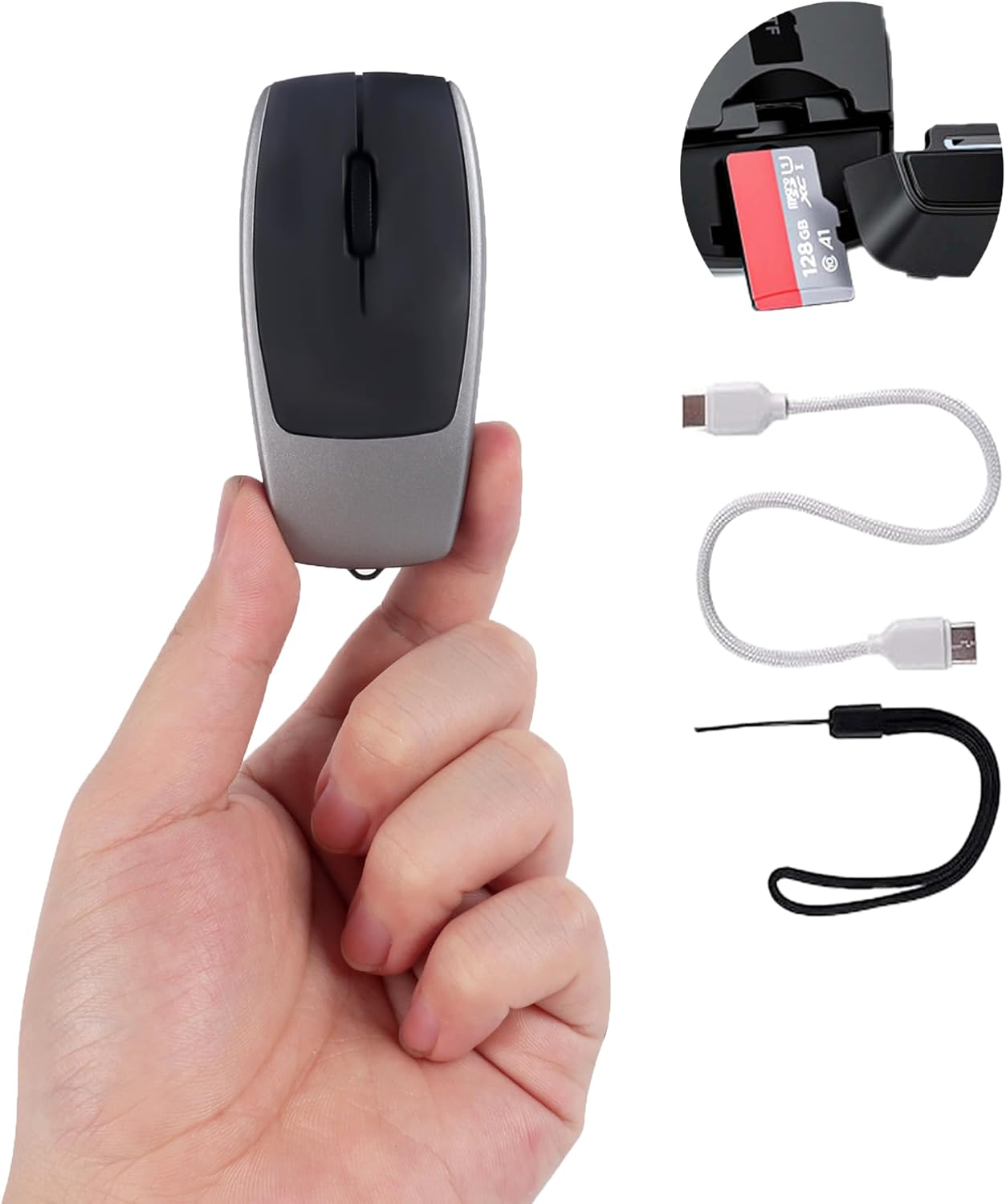
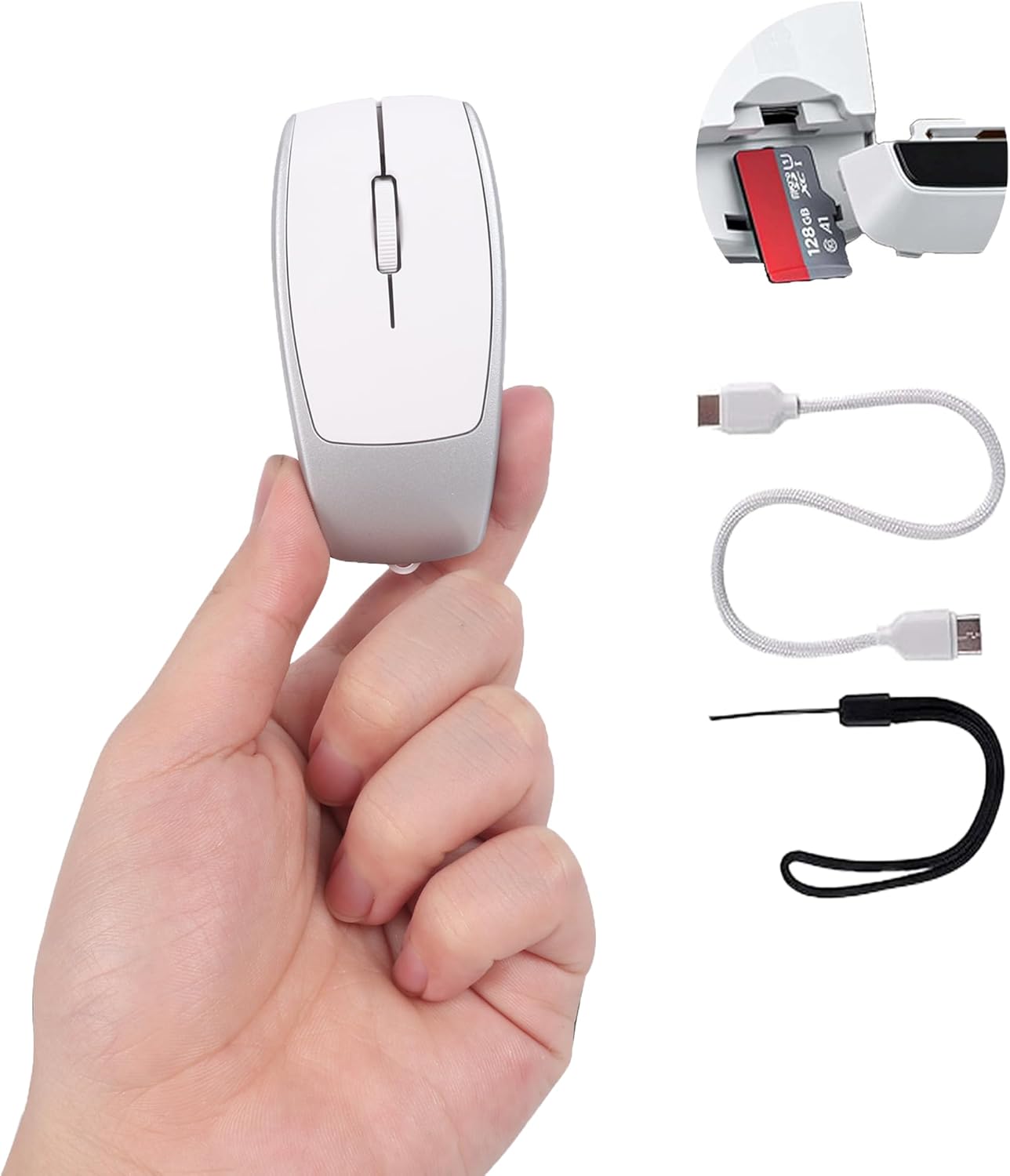
Wireless Bluetooth Mini Portable Mouse Default sensitivity: 800/1200/1600 Material: ABS Battery capacity: 120mAh Charging data cable length: 20cm TF card read and write speed: 20MB/S, supports up to 2TB capacity of read and write transmission. Data transmission light: When reading and writing data, Bluetooth flashes to indicate. Charging instructions: The green light is always on when charging, and the green light goes out when fully charged. Low battery prompt: When the mouse is low on power, the red light flashes to indicate. Repairing: Press and hold the bottom sensitivity switch for 2 seconds to re-pair with Bluetooth. Product size: 7.8x3.8x2.2cm Product weight: 27 g Product includes: 1x wireless mouse 1x C To C data cable (20cm) 1x anti-lost lanyard 1x User Manual System support: Windows, MacOS, Linux, IOS, Android system and devices with Bluetooth and the latest system. Operation connection instructions: 1: Wireless connection: Step 1: Push the power switch at the bottom of the wireless optical mouse to the "ON" position, the blue light at the mouse Bluetooth indicator lights up and flashes, and it starts to enter the pairing mode. Step 2: Turn on the tablet/computer/mobile phone, click the "BT" interface in the settings menu, connect the paired mouse (BT5.1Mouse), and the blue light will go out after connecting to the device, and enter the normal mode. Step 3: Move the mouse or press the left and right buttons to use it normally. Note: If you cannot find the BT5.1 Mouse device, press and hold the bottom sensitivity switch for 2 seconds to restart the Bluetooth pairing mode, and you can search for the BT5.1 Mouse device. Connect the device and use it. 2. TF card reading and writing: Step 1: Open the TF card slot cover at the end of the wireless mini mouse. Step 2: Insert the TF card into the mouse along the prompt direction. Step 3: Use a TYPE-C data cable with data transmission function, insert one end into the Bluetooth portable mouse and the other end into the computer/tablet/mobile phone. Step 4: After inserting the data cable, the TF card indicator light flashes quickly to read the TF card data, and the indicator light is always on after the reading is successful. Step 5: Open the disk of the computer/tablet/mobile phone to see the read mobile disk. Step 6: The disk can be read and written, and the indicator light will flash quickly during reading and writing. Step 7: After reading and writing, right-click the mobile disk to eject it safely, then press the TF card to eject the TF card from the card slot. You can also keep the TF card inside the wireless silent mouse, then close the TF card slot cover and use the Bluetooth mouse normally. *The maximum supported read capacity is 2TB and the average read and write speed is 20M/S.
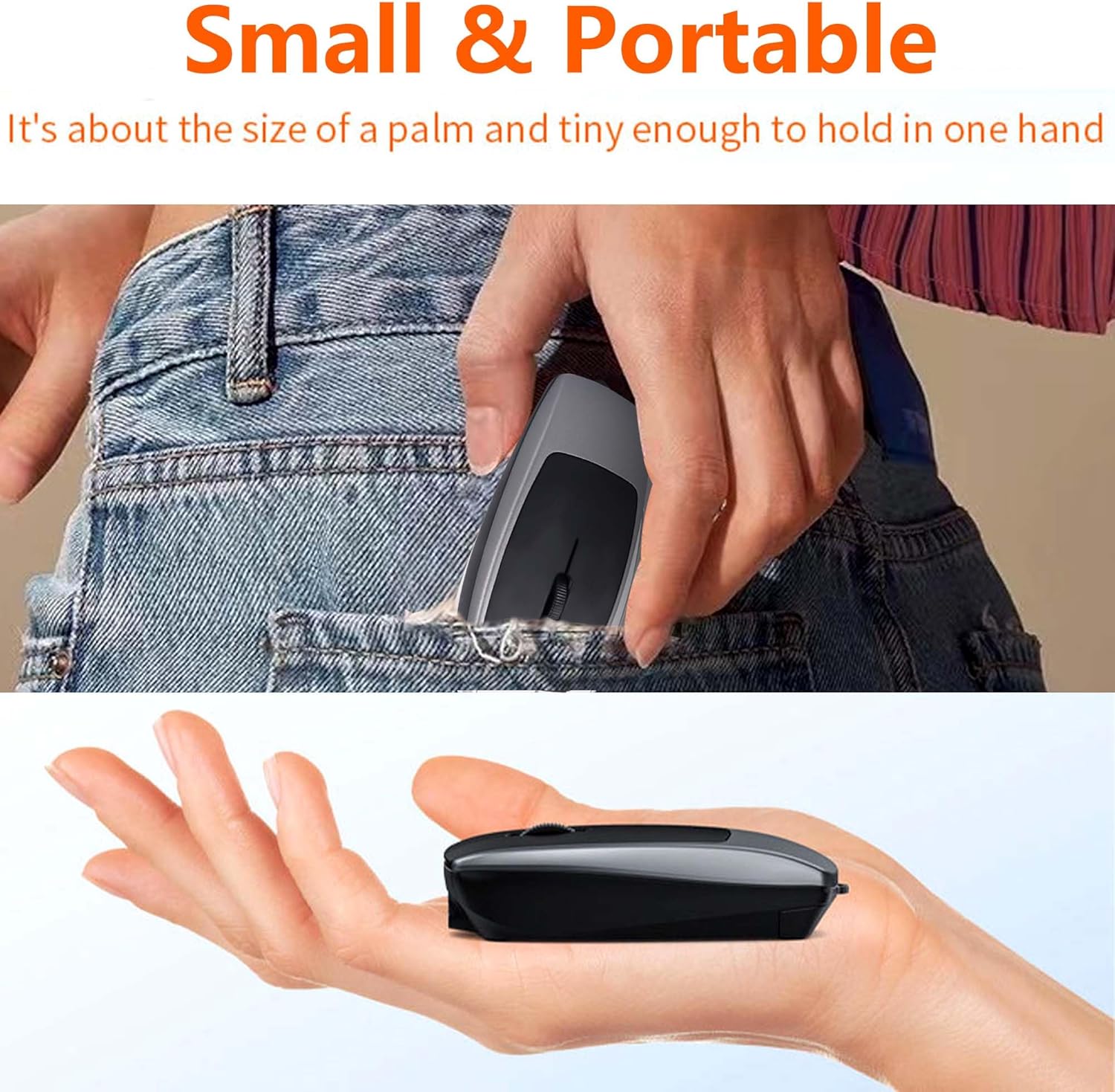
- Mini Wireless Bluetooth Mouse: The mini Bluetooth portable mouse is only the size of a palm. This mini wireless mouse is equipped with an anti-lost lanyard, and the keychain design is convenient to carry around. The wireless laptop mouse uses Bluetooth 5.1 connection technology to provide a strong and reliable connection with an effective connection range of up to 10 meters. Whether you are at home, in the office or on the go, it provides unparalleled convenience and ensures smooth operation on laptops, tablets and other devices.
- Support TF card reading and writing: This mini mouse for tablets has a built-in TF card reader with a reading capacity of up to 2TB and a reading and writing speed of up to 20M/S. You can connect the wireless mini mouse to the device using a Type-C data cable that supports data transmission, which can easily cope with large file transfer needs such as photography and office.
- Rechargeable: This mini computer mouse has a built-in 120mAh rechargeable battery, and Type-C charging ensures fast charging (2-3 hours). It can be charged using a Type-C charging cable without the need to purchase additional batteries. This small wireless mouse also has a standby sleep function to maximize the life of the mouse, and this rechargeable mouse can provide long-lasting power for PC or laptop.
- Silent Click: This wireless travel mouse is made of high-quality plastic, which is durable and comfortable to use, with sensitive buttons, more than 3 million clicks and a long service life! This iPad Bluetooth mouse has silent buttons that click silently and no traditional noise when running, so you don’t have to worry about disturbing others. It is very suitable for working in a library or shared office space.
- Sensitive and Efficient: The mini silent wireless mouse has 3 adjustable sensitivity(800-1200-1600), providing high sensitivity, precise tracking and fast response to help you improve your work efficiency. This compact mouse can be used on a variety of smooth and flat surfaces.
- Widely Compatible: When the wireless silent mouse is used as a card reader, it supports all devices with USB interfaces. When used as a mini Bluetooth mouse, it supports Windows, MacOS, Linux, IOS, Android systems, devices with Bluetooth, and the latest systems.
- Perfect Gift: This lightweight and silent mouse is an ideal gift for classmates, friends, students, kids, family, boys, girls, dad, mom, grandfather, grandmother.
| Brand | Generic |
|---|---|
| Color | Grey |
| Range | 10 meters |
| Style Name | Modern |
| Unit Count | 1.0 Count |
| Item Weight | 0.08 Kilograms |
| Manufacturer | Bebettor |
| Power Source | Battery Powered |
| BuiltIn Media | 1x wireless mouse、1x C To C data cable (20cm)、1x anti-lost lanyard、1x User Manual |
| Button Quantity | 3 |
| Antenna Location | Indoor/Outdoor, Office, business, cafe, gift, home, library, school, travel |
| Hand Orientation | Ambidextrous |
| Operating System | Android, Chrome OS, Linux, Mac OS 、Windows, iOS |
| Hardware Platform | Linux, Mac |
| Compatible Devices | Smartphone, Tablet, laptop |
| Enclosure Material | Plastic |
| Movement Detection | Optical |
| Additional Features | Lightweight, Support Card Reader Function, portable、silent, wireless Bluetooth |
| Number of Batteries | 1 Nonstandard Battery batteries required. (included) |
| Item Dimensions L x W | 3.07"L x 1.5"W |
| Are Batteries Included | Yes |
| Are Batteries Required | Yes |
| Connectivity Technology | Bluetooth |
| Mouse Maximum Sensitivity | 1600 Dots per Inch |




Bestseller ranking
Hand Wash






Customers who viewed this product also viewed
Trophies


Correction of product information
If you notice any omissions or errors in the product information on this page, please use the correction request form below.
Correction Request Form